Move, delete, and bookmark files in your library | yomeru.ai
Select multiple files, move them between folders, delete pages you no longer need, and bookmark scenes for quick access. Deletion is permanent.
Once your content is in the library, you can bookmark pages, move files between folders, view full-size images, and clean up anything you no longer need.
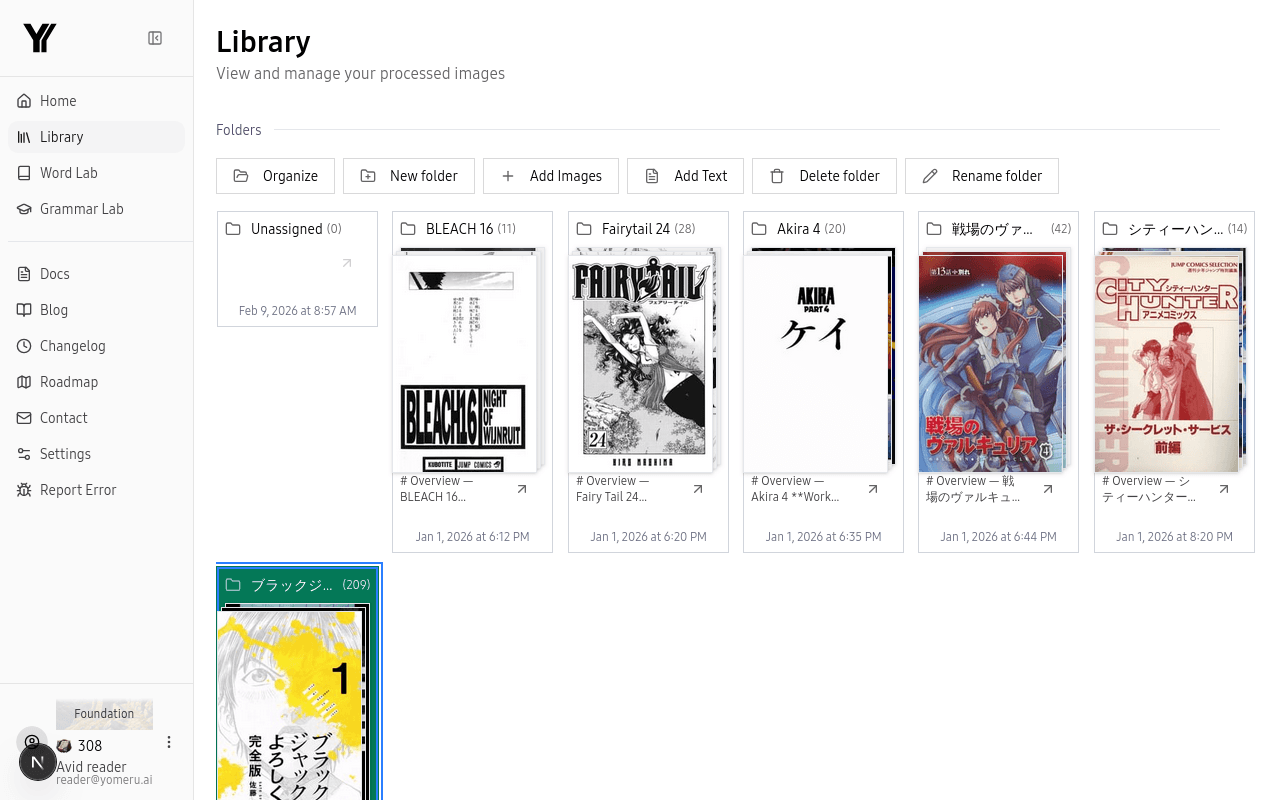 Your library displays every uploaded page as a visual thumbnail in a browsable grid
Bookmarking Pages
Mark any page as a bookmark for quick access later. Open a page in the reader and click the bookmark icon. Bookmarked pages appear in a dedicated section so you can jump back to important scenes, tricky grammar, or pages you want to review.
Viewing Full-Size Images
Click any thumbnail to open the full-size image viewer. Navigate between pages with the left/right arrow buttons or use the arrow keys on your keyboard. This is handy for reading through a chapter sequentially without returning to the grid each time.
Moving Files Between Folders
Select files
Click a thumbnail to select it. Hold Ctrl (or Cmd on Mac) and click to select multiple files, or hold Shift and click to select a range.
Move them
Click the Move button in the toolbar and choose the destination folder, or drag the selected files directly onto a folder in the sidebar.
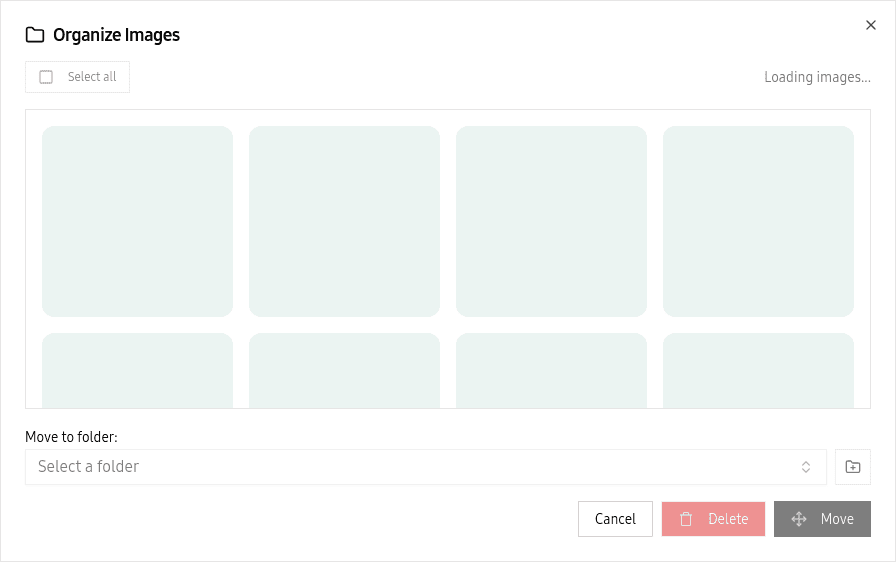 Select a destination folder and click Organize to move your files
Deleting Files
Select the files you want to remove, then click Delete and confirm. Deleted files and their associated OCR results are permanently removed.
Deletion is permanent
There is no undo. Once a file is deleted, the image and all extracted text data are gone for good.
Grid View
Your library shows content as a thumbnail grid by default. Hover over any thumbnail to see quick details. This view makes it easy to scan a large collection visually and spot the page you are looking for.
Storage and Credits
Storage is unlimited on all plans -- you can upload as much content as you like. Only the initial OCR processing (and optional reprocessing after the free one) costs credits.
Related Pages
Upload an entire chapter at once — ZIP, PDF, folder | yomeru.ai
Drop a ZIP (100 MB max), a PDF, or a folder of images to process a full chapter in one go. Pages queue automatically; processing runs in the background.
OCR and text extraction overview | yomeru.ai
Upload a manga or novel page and the AI automatically extracts every word, making it clickable for lookups and grammar analysis — no manual setup.