How to manage, cancel, or update your subscription | yomeru.ai
Update your payment card, download invoices, or cancel your plan — all through the Stripe portal in Settings > Billing. Refunds available within 48 hours.
All subscription management happens through a secure billing portal powered by Stripe. From there you can update your card, download invoices, or cancel -- without needing to contact support.
Accessing the Billing Portal
Open settings
Click your avatar in the top-right corner and select Settings.
Go to Billing
Open the Billing tab to see your current plan and credit balance.
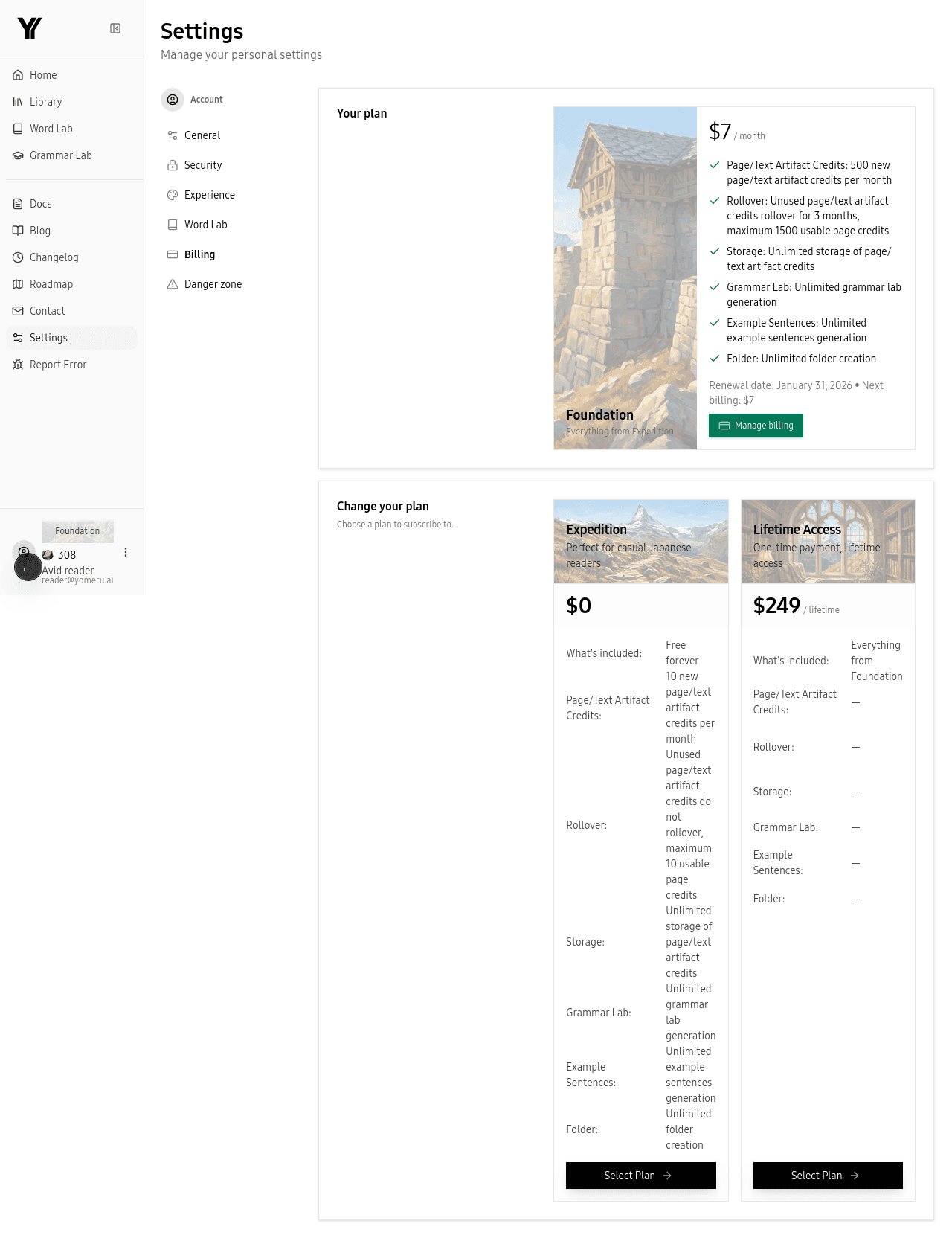 Open the Billing tab to see your current plan and credit balance
Open the portal
Click Manage Subscription to open the Stripe customer portal in a new tab.
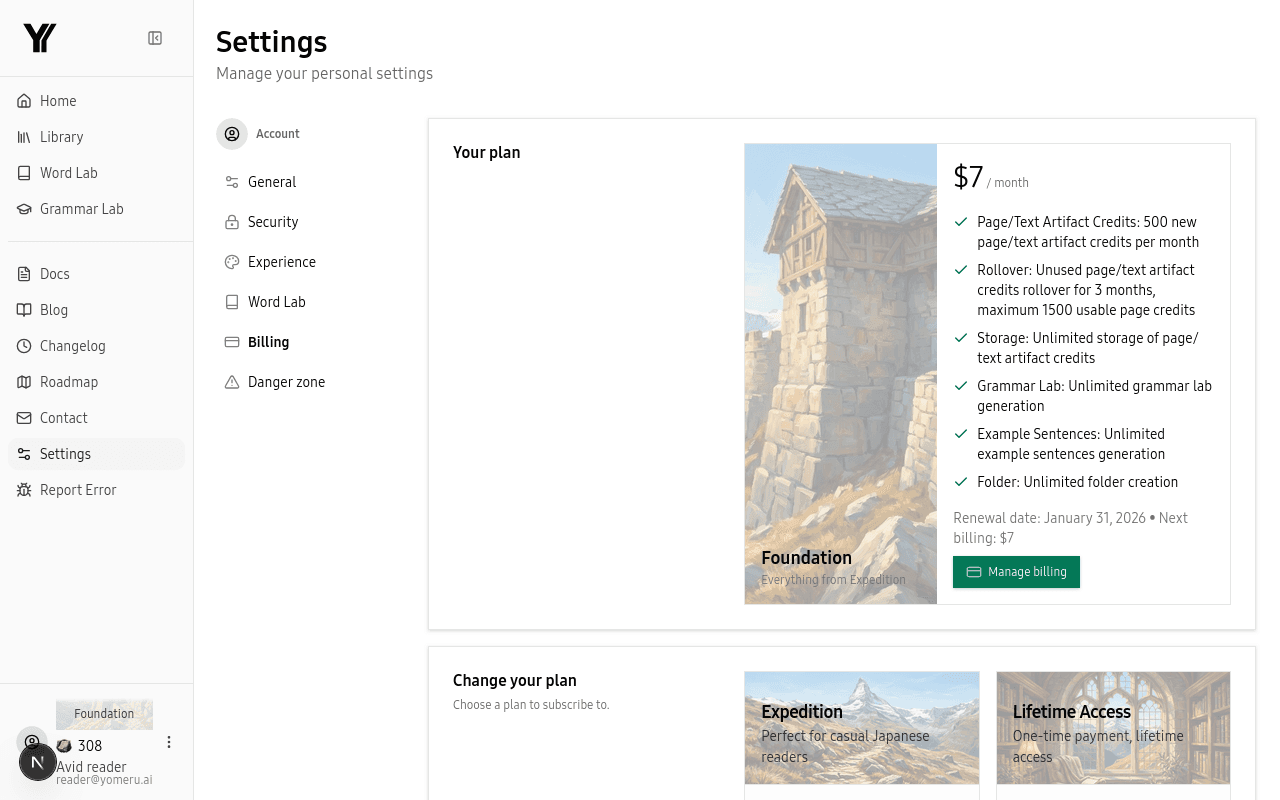 Click Manage Subscription to open the Stripe portal for payment, invoices, and cancellation
What You Can Do in the Portal
Inside the Stripe billing portal you can:
- Update your payment method -- add a new card, set a default, or remove an old one.
- View billing history -- see every past charge with date, amount, and status.
- Download invoices -- grab PDF receipts for any transaction.
- Change your billing address -- update the address on your invoices.
- Cancel your subscription -- end your plan when you are ready.
Canceling Your Subscription
If you cancel, your plan stays active until the end of the current billing period. After that, your account reverts to the free Expedition plan (10 credits per month, no rollover).
Your content is safe
Canceling does not delete anything. Your library, favorites, and all processed content stay exactly where they are.
Reactivating
Changed your mind? You can resubscribe anytime from Settings > Billing. Just pick a plan and complete payment -- your credits start right away.
Refund Policy
We offer a full refund within 48 hours of purchase on all paid plans, including Lifetime. No questions asked — just reach out through the contact form and we will process your refund promptly.
After 48 hours, refund requests are reviewed on a case-by-case basis. We want you to be happy with yomeru.ai, so do not hesitate to reach out if something is not working for you.
Related Pages
How to upgrade your plan and get more credits | yomeru.ai
Upgrade from Expedition to Foundation or Lifetime in one minute. Credits appear immediately; existing credits carry over. Prorated billing mid-cycle.
Troubleshooting — OCR, uploads, processing, and login | yomeru.ai
Find fixes for missed speech bubbles, failed uploads, stuck processing queues, and login or 2FA problems — or contact support directly.