Processing stuck or taking too long? Here's what to do | yomeru.ai
Most pages finish in 10–30 seconds. If yours seems stuck: wait 2 minutes, check the connection indicator, then refresh. Processing runs server-side.
Most pages process in 10-30 seconds. If yours seems to be taking longer, here is what is happening and what you can do.
Your progress is safe
Processing always continues on our servers, even if you close the tab or lose your internet connection. Refreshing the page will not lose your progress.
How Processing Works
Up to 3 of your images process at the same time. Any additional pages are placed in a queue and start automatically as earlier ones finish. Complex pages with many text regions or high resolution naturally take longer than simple ones.
What to Do If It Seems Stuck
Wait a couple of minutes
Pages with dense text or unusual layouts can take longer than average. Give it up to 2 minutes before taking action.
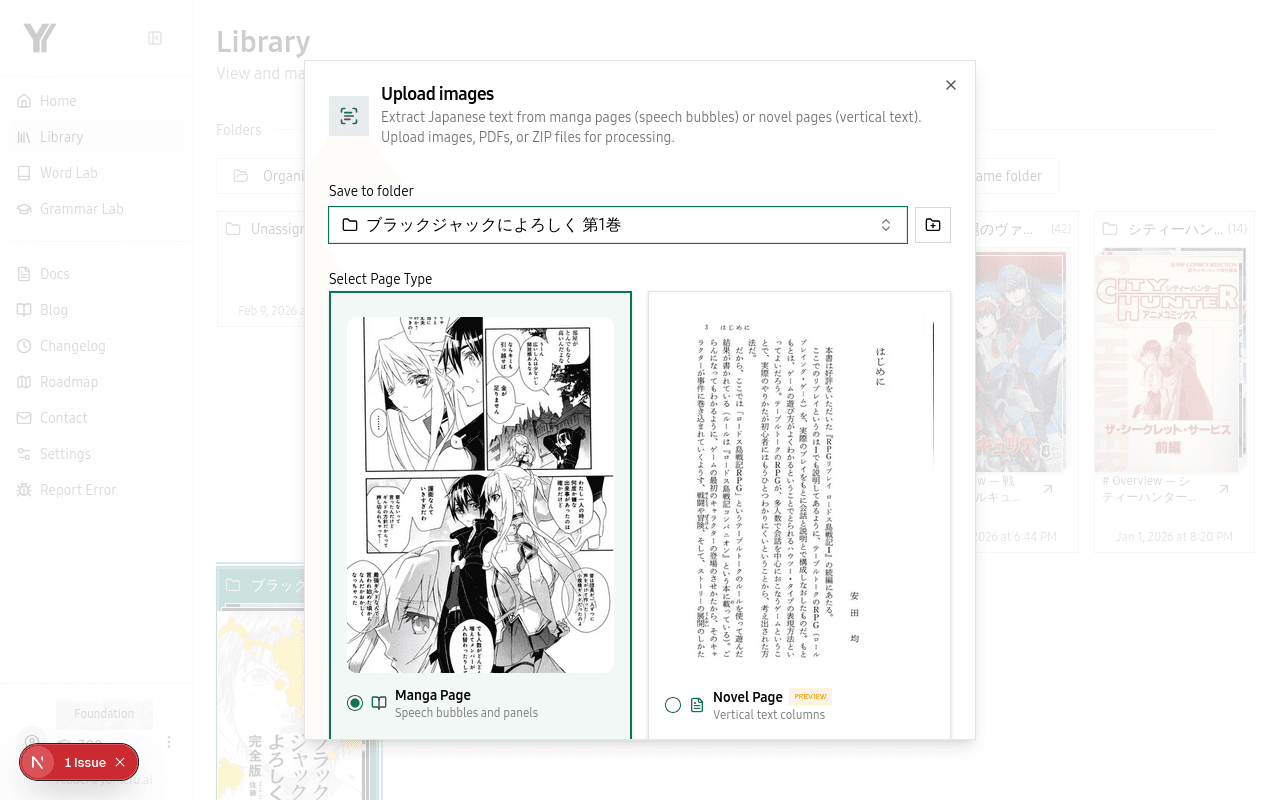 Pages process in the background — you can see the status in your library
Check the connection indicator
Look for the connection status indicator on the page. If it shows you are disconnected from the progress feed, your browser is not receiving updates -- but processing is still running on our end.
Refresh the page
A simple page refresh reconnects you to the progress feed and shows the latest status. If processing finished while you were disconnected, you will see the completed results in your library.
When Processing Fails
If a page fails to process, you will receive an error notification. The most common causes are corrupted image files or images with no readable text. Check the Upload Errors page for file requirements, then try uploading again.
Related Pages
Fix upload errors — file size, format, and credit issues | yomeru.ai
Images must be under 10 MB (JPG, PNG, WebP). ZIPs and PDFs up to 100 MB. Check the error message — it names exactly which file caused the problem.
Fix login, password, and account access problems | yomeru.ai
Can't log in, forgot your password, stuck on email verification, or locked out by 2FA? Step-by-step fixes for every common account issue.