Reset tutorials, hints, and display settings | yomeru.ai
Re-run the onboarding walkthrough, restore furigana and translation display defaults, or reset all Word Lab dictionary preferences from the Experience tab.
The Experience page lets you manage tutorials you have seen and restore your display and Word Lab settings to their original defaults.
Getting there
Click your avatar in the top-right corner, then select Settings and open the Experience tab.
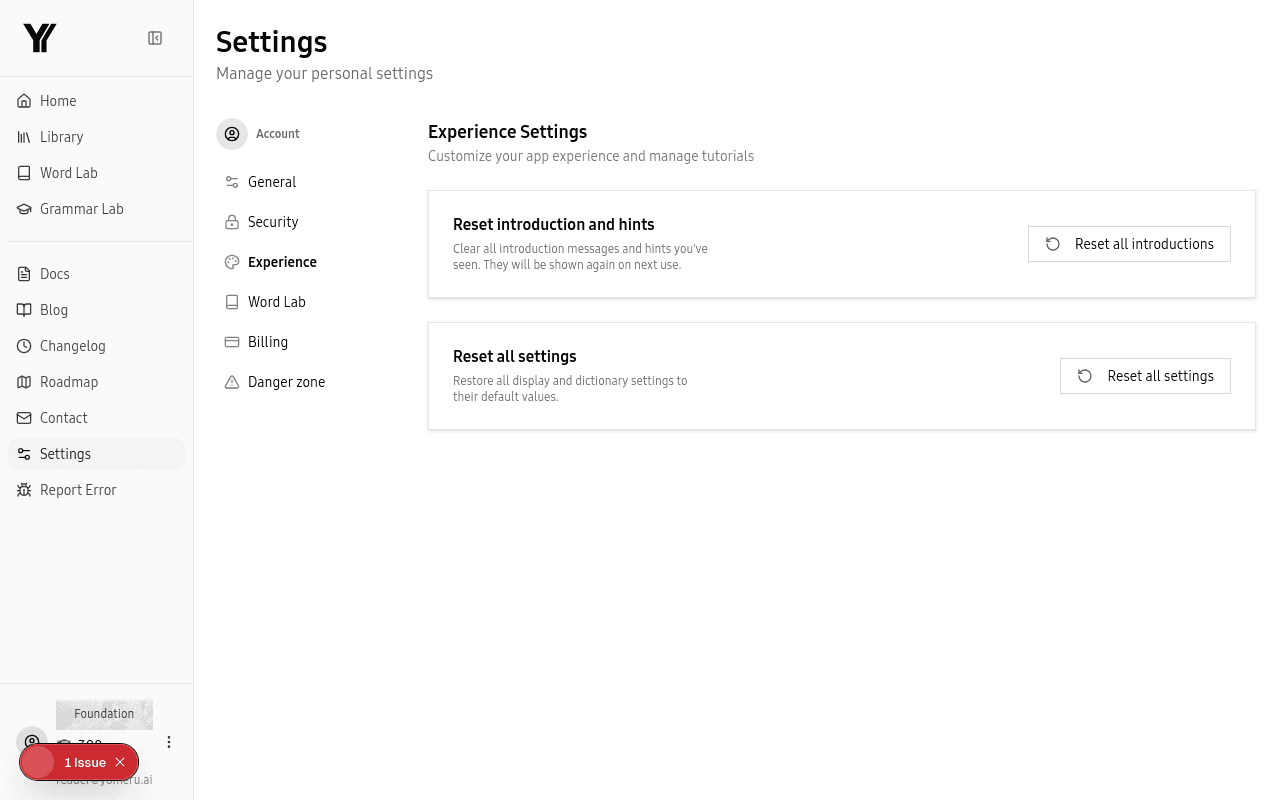 Reset tutorials and introductions, or restore display and Word Lab preferences to their defaults
Reset Introductions and Hints
If you want to see the onboarding walkthrough or contextual hints again, click Reset all introductions. This clears every introduction and hint flag so they reappear the next time you visit the relevant page. Useful if you skipped a tutorial and want to revisit it, or if you want to show the platform to someone else.
Reset All Settings
Click Reset all settings to restore two groups of preferences to their defaults:
- Display settings — Furigana and English translation visibility are turned back on.
- Word Lab preferences — All three dictionaries (JMDict, JMnedict, KanjiDic) are re-enabled with the display language set to English.
This does not delete any of your library content, favorites, or reading progress. It only affects how content is displayed.