How to get Japanese reading material — complete setup guide | yomeru.ai

Shuhei Nakamura
2026/01/04
Updated: 2026/02/22
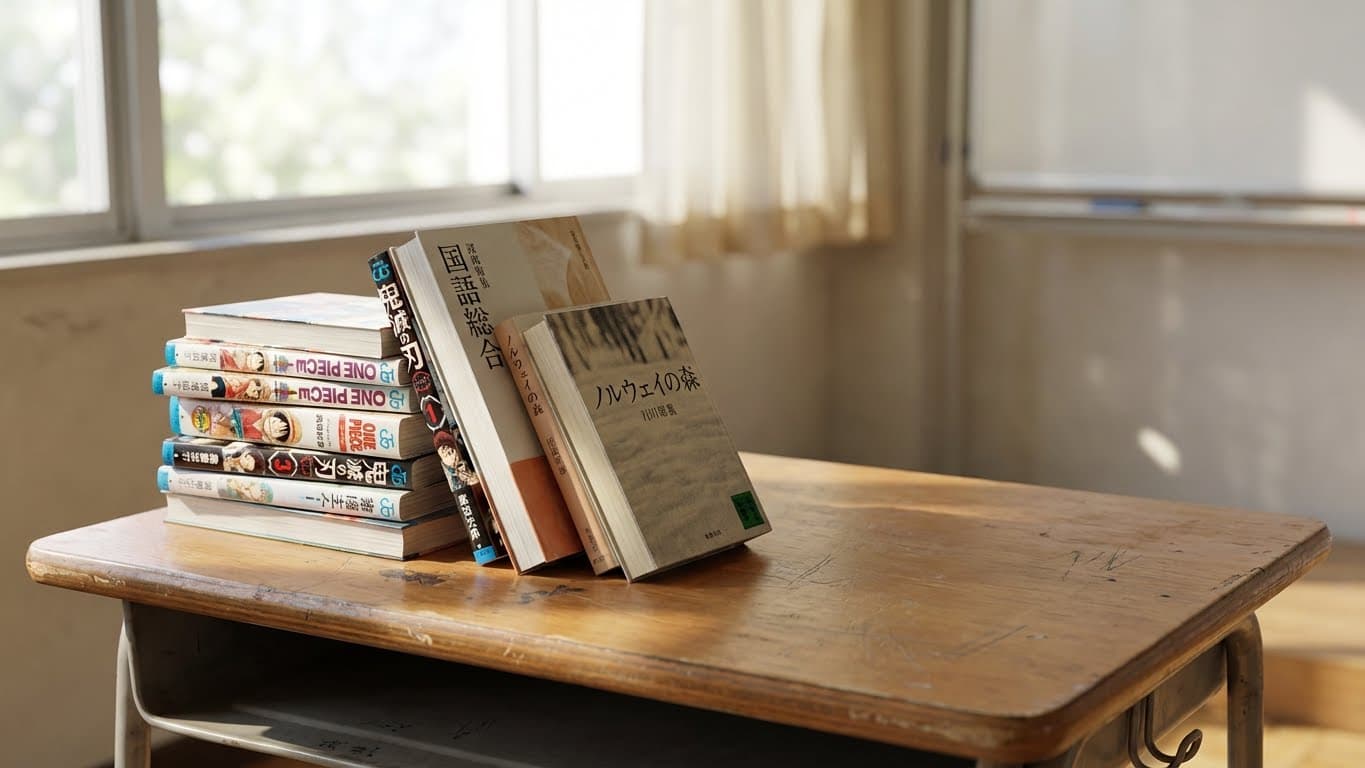
You want to read Japanese. You've got the dictionary extensions installed, the OCR tools bookmarked, maybe even a stack of manga sitting on your shelf. But there's one problem nobody talks about: where do you actually get the files?
Streaming apps lock you out of external tools. Physical books collect dust because you can't look up words mid-page. And nobody in polite company explains how resourceful learners build massive reading libraries overnight.
This guide covers everything. The legal paths. The free options. And yes—a certain nautical hobby that some learners pursue.
| Method | Cost | Effort | Best For |
|---|---|---|---|
| Scan Physical Books | $0-50 + books | Medium | Textbooks, rare finds |
| Free Legal Sources | $0 | Low | Beginners, web novels |
| DRM-Free Purchases | ¥500-2000/book | Low | Technical books |
| DRM Removal | Book price | Medium | Kindle/Kobo owners |
| Alternative acquisition | Free | Low | The adventurous |
Digitizing Physical Japanese Materials
That stack of manga from Book-Off? Those textbooks gathering dust? Time to turn paper into pixels.
Smartphone Scanning
Your phone is already a document scanner. Modern cameras produce excellent results with the right app.
Recommended Apps:
- Adobe Scan (iOS/Android) — Free, automatic edge detection, OCR-optimized exports
- CamScanner — Batch scanning, automatic enhancement
- Microsoft Lens — Clean interface, Office integration
- Your phone's built-in scanner — Check your camera app or Files app
Best Results:
- Use natural daylight or bright, even lighting—no harsh shadows
- Hold your phone parallel to the page, not at an angle
- Press the book flat or use a weighted glass pane
- Let the app auto-detect edges before capturing
Smartphone scans work perfectly for occasional pages or quick lookups. For entire volumes, consider dedicated hardware.
Flatbed Scanners
Flatbed scanners produce the cleanest results. The tradeoff: one page at a time.
Options:
- FedEx Office / Kinko's — Self-service 11x17 scanners, approximately $0.50/page. Bring a USB drive.
- Library scanners — Many public and university libraries offer free scanning
- Home flatbed — Canon CanoScan or Epson Perfection series, $80-150
Settings for best OCR:
- Resolution: 300-600 DPI (600 for small text or furigana)
- Format: PNG for quality, JPG for smaller files
- Color mode: Grayscale usually works best for text recognition
- Increase contrast slightly after scanning
Document Scanners (For Serious Readers)
If you're digitizing your entire Japanese library, invest in a sheet-fed document scanner.
Top Picks:
- Fujitsu ScanSnap iX1600 — 40 pages/minute, duplex scanning, WiFi
- Brother ADS-2700W — Budget-friendly, reliable
- Epson FastFoto FF-680W — Great for photos and mixed media
The Recommended Workflow: Buy, Cut, Scan
The fastest path from physical book to readable digital file: buy the book, cut off the spine, feed the loose pages through a sheet-fed scanner. A full manga volume takes under 5 minutes with a ScanSnap iX1600 at 40 pages/minute duplex.
Cutting the spine yourself:
A guillotine paper cutter ($30-50 on Amazon) handles standard manga tankōbon and bunkobon. Position the book spine-side toward the blade, cut about 3-5mm into the binding. Pages separate cleanly. Practice on a cheap book first—cutting too little leaves pages stuck together, cutting too much trims text.
Kinko's Japan (キンコーズ):
If you're in Japan and don't want to buy a cutter, any Kinko's location offers book cutting (裁断) as a walk-in service. Hand them your stack, pick up loose pages.
- ¥220 per cut (books under 1cm thick)
- ¥352 per book (thicker books requiring full disassembly)
- ¥2,200 持込加工手数料 (brought-in processing fee) per order
- Total for a small stack: roughly ¥2,500-3,000
This is standard practice for 自炊 (self-scanning) in Japan. Many Book-Off locations sit near Kinko's stores for exactly this reason.
Why own a scanner vs. using a service:
Scanning services (BOOKSCAN, 1DollarScan) charge per book and take days to weeks. A ScanSnap iX1600 (~$400) pays for itself after 50-100 books and gives you same-day results. If you're building a serious reading library, the upfront investment saves both time and money long-term.
Non-destructive alternative: Scan pages one at a time on a flatbed, accept slight gutter shadows, or use a book scanner cradle. Slower but preserves the physical book.
Post-Processing Tips
Raw scans often need cleanup for optimal OCR:
- Crop margins — Remove excess white space
- Deskew — Straighten any tilted pages
- Increase contrast — Make text pop against the background
- Convert to grayscale — Reduces file size, often improves OCR accuracy
- Batch rename — Number files in reading order (001.jpg, 002.jpg, etc.)
Tools like ScanTailor or NAPS2 automate most of this.
Book Scanning Services
Don't want to scan yourself? Professional services convert physical books to PDF—send them your books, receive digital files.
Japan: 自炊代行 Services
BOOKSCAN — Japan's largest scanning service. ¥165 ($1.13) per book with premium features: AI-powered summaries, virtual bookshelf, audio playback, device-optimized output.
未来BOOK (Mirai Book) — Budget option at ¥88 ($0.60) per book. Free nationwide pickup for 100+ books. Note: No longer accepts commercial publications due to copyright concerns.
North America
| Service | Price | Method | Notes |
|---|---|---|---|
| 1DollarScan | $1/100 pages | Destructive | Cheapest globally, books destroyed |
| BlueLeaf | $15.99/book | Non-destructive | Books returned intact, 95%+ OCR accuracy |
| ScanHouse Canada | Variable | Both | Up to 10×15 inch books |
Europe
REPRO ONLINE (Germany) — €0.05/page destructive, €0.22/page non-destructive. Handles oversized books up to 90×130 cm. Free trial scan available.
Pearl Scan (UK) — Specializes in rare books and heritage documents. Outputs include Kindle .mobi and Apple .epub formats.
How It Works
- Ship your physical books to the service
- They scan pages (destructive cuts the spine; non-destructive preserves the book)
- Receive PDF/EPUB files via download
- Destructive services recycle pages; non-destructive returns your books
Destructive vs. Non-Destructive:
- Destructive — Faster, cheaper, books are destroyed
- Non-destructive — Slower, pricier, books returned intact
Choose destructive for mass-market paperbacks you don't need back. Choose non-destructive for valuable editions, textbooks you'll resell, or sentimental items.
Free Legal Japanese Content
Before spending money or exploring alternatives, know what's legally free.
Aozora Bunko (青空文庫)
Japan's Project Gutenberg. Over 18,000 public domain works—classic literature, Meiji-era novels, and works by authors who died 70+ years ago.
What you'll find:
- Soseki Natsume (夏目漱石) — Kokoro, Botchan, I Am a Cat
- Ryunosuke Akutagawa (芥川龍之介) — Rashomon, In a Grove
- Kenji Miyazawa (宮沢賢治) — Night on the Galactic Railroad
How to use it:
- Visit aozora.gr.jp
- Download texts in HTML, plain text, or EPUB format
- Process with OCR tools or read directly
Perfect for intermediate learners ready for literary Japanese.
Syosetu (小説家になろう)
The birthplace of most isekai light novels. Amateur writers publish original fiction—completely free to read.
Site: syosetu.com
What's there:
- Light novels before they get officially published
- Web novel originals that never become books
- Every genre: fantasy, romance, horror, slice-of-life
- Difficulty ranges from simple to complex
Many famous series started here: Mushoku Tensei, Re:Zero, KonoSuba. Read for free what others pay for in print.
Tadoku Graded Readers
Free graded readers designed specifically for learners.
Site: tadoku.org/japanese/free-books/
Levels available:
- Level 0: Single hiragana words, picture books
- Level 1-2: Simple sentences
- Level 3-4: Short stories
- Level 5+: Longer narratives
Start here if you're just beginning to read Japanese.
For the science behind extensive reading, see why reading builds fluency faster than grammar drills.
Manga Samples & Promotions
Publishers regularly release free chapters:
- ComicWalker — Free official manga chapters, many series
- Shonen Jump+ — Free chapters, some full series
- Publisher promotions — First volumes often free during sales
- BookLive / Renta! — Free trial chapters
Check these before buying to test if a series suits your level. For picking the right series, see our guide to choosing manga for your level.
DRM-Free Purchases
Some publishers sell truly ownable ebooks—no DRM, no restrictions.
Verified DRM-Free Stores:
| Store | Formats | Content |
|---|---|---|
| O'Reilly Japan | PDF, EPUB | Tech books, programming |
| Gihyo Digital Publishing | PDF, EPUB | IT, technical, magazines |
Files are watermarked with your email but contain no encryption. Transfer freely, process with any tool.
The catch: Almost exclusively technical content. For fiction and manga, you'll need to remove DRM from purchases or... explore other options.
Removing DRM from Purchases
Bought manga on Kindle or Kobo? You own that content—DRM just prevents using it freely.
Quick setup:
- Install Calibre (free ebook manager)
- Add DeDRM plugin (search: noDRM/DeDRM_tools on GitHub)
- Sync Kindle/Kobo books to desktop
- Import to Calibre—DRM strips automatically
- Extract images for OCR processing
For detailed steps, search "Calibre DeDRM setup guide." The process takes 10 minutes once configured.
Sailing the High Seas
This section is purely educational. What you do with this information is your own business.
Some Japanese learners, particularly those outside Japan where legal options are limited, expensive, or simply unavailable, have been known to acquire reading material through... alternative channels.
Let's talk about what some people might use.
Arr, matey. There be treasure in these waters.
The Captain's Toolkit
HakuNeko
Desktop application. Connects to 1,200+ content sources. Downloads manga chapters directly to your hard drive as CBZ files ready for OCR processing.
- Cross-platform: Windows, Mac, Linux
- Browse sources, add series to library, batch download
- Files saved locally in organized folders
- GitHub: search "manga-download/hakuneko"
Tachiyomi / Mihon
Android manga reader with an extension system. Install extensions to connect to various sources. Read online or download for offline reading.
- Tachiyomi: The original (no longer actively developed)
- Mihon: The maintained fork (search GitHub)
- Extensions: Installed separately, connect to content sources
- Features: Library management, tracking, offline reading
gallery-dl
Command-line tool for downloading images from various websites. Supports hundreds of sites. Technical users love it.
gallery-dl "URL-goes-here"yt-dlp
For the audio miners—download anime episodes for immersion listening or extract audio tracks for passive practice.
Pre-Charted Waters
Resourceful learners have already done some work:
- Pre-processed Mokuro collections exist—manga volumes with OCR already completed, ready to read with Yomitan
- Discord communities share resources, guides, and carefully curated links
- Nyaa and its friends — If you know, you know. If you don't, a search engine will enlighten you.
The treasure map isn't provided here. But X marks the spot for those who seek it.
A Note on Ethics
Many learners start here. Cost barriers are real—especially for students, especially outside Japan where importing is expensive and slow.
The pirate's code:
- Support what you love — If a series captivates you, buy the official release when you can
- Creators need income — Manga artists work brutal hours. Light novel authors deserve payment.
- Think of it as a trial — Preview before purchase, then buy what matters
- The gray area — Out-of-print content, region-locked releases, excessive DRM... the ethics get complicated
Most successful Japanese learners eventually build real collections. The free samples become purchases. The downloads become bookshelves. Get started however you need to—just don't forget to give back.
Processing Your Files
You've got the files. Now make them readable.
Mokuro (Local Processing)
Run manga-ocr locally. Input: folder of images. Output: interactive HTML with selectable text.
pip install mokuro
mokuro /path/to/manga/folder
Pros: Free, private, works offline Cons: Requires Python, processes slowly, technical setup
For a detailed Mokuro vs Yomeru.ai comparison, see our Mokuro alternative guide.
Yomeru.ai (Cloud Processing)
Upload images, get instant OCR with built-in word lookup.
Pros: No setup, works on any device, optimized for manga Cons: Requires internet, subscription for full features
When to use which:
- Batch processing entire collections → Mokuro
- Quick page lookups → Yomeru.ai
- Mobile reading → Yomeru.ai
- Privacy concerns → Mokuro
No matter where your files come from, both tools process them identically.
For a full breakdown of reading and study tools, see our 2026 reading tools roundup.
Frequently Asked Questions
Your reading journey starts the moment you have files to read.
You've got the methods. You've got the tools. The only thing between you and Japanese fluency is actually reading.
Digitize your textbooks. Download from Aozora. Subscribe to web novels. And if you happen to find yourself with a parrot on your shoulder and an eyepatch... well, we won't ask questions.
Written by
Shuhei Nakamura
Japanese Language Educator
A Japanese language educator with over 15 years of teaching experience, Shuhei specializes in reading-focused approaches to language acquisition. Drawing from his background in applied linguistics and immersive learning methods, he writes about practical strategies that help learners build real fluency through extensive reading and native content.